
AI training that sticks.
We get everyone set up, coach each person at their own desk, and come back on day 30 to fix what did not stick.
Book A Call
What your team gets.
AI set up on every laptop
The tools your firm approved, installed and configured properly, not left for people to figure out.
Their own tasks, automated
Each person leaves with AI doing part of their real day: replies drafted, reports started, data pulled.
Rules everyone understands
What can go into AI, what stays inside your approved tools, and what never goes in at all.
A written playbook
Every workflow we built, written down. It survives turnover and gets new hires up to speed sooner.
Before and after numbers
We time the target tasks before and after, so you have something real to report upward.
A return visit on day 30
We come back, see what stuck and what broke, and fix it.
Built on how people learn.
Coaching nearly quadruples the result
In a classic study, managers who took a three-day training raised productivity 22.4 percent. Managers who also got eight weeks of one-on-one coaching raised it 88 percent. That is why every program includes desk-side time.
Olivero, Bane and Kopelman, Public Personnel Management, 1997
Spacing beats cramming
People remember far more when practice is spread out with gaps in between than when it is packed into one long day. So the program runs over about a week, and refreshers follow.
Cepeda et al., Psychological Science, 2008
Doing beats watching
In a workplace study, employees who discussed and practised during training remembered about 25 percent more the next day than those who only watched. Our sessions are mostly hands-on, with almost no slides.
PLOS One, 2018
Step by step.
A short call and a task list
We talk with you and collect a list of the jobs that take your team the most time. Every session is built around that list, not a generic course.
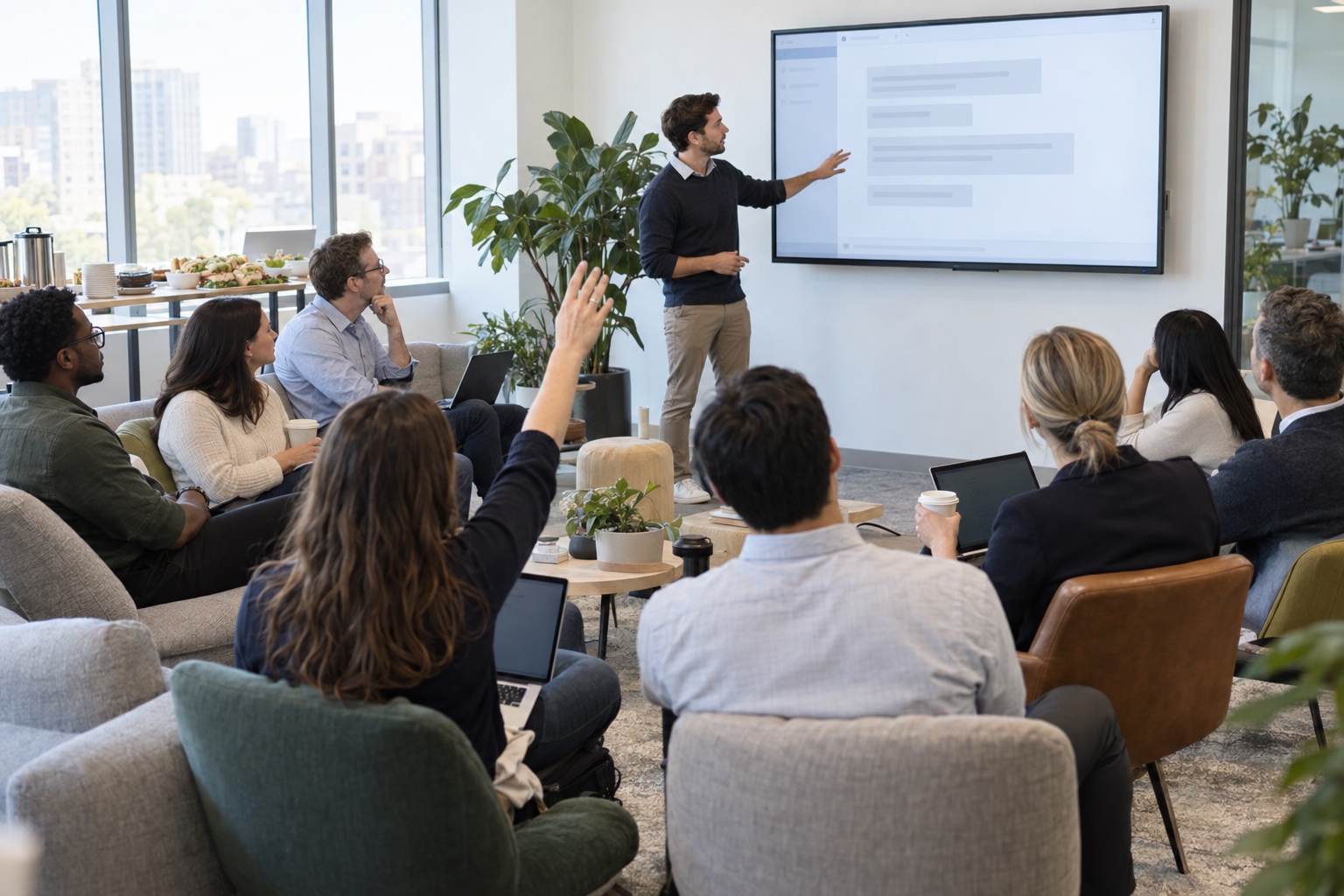
Group session: set up together
Everyone installs the tools your firm approved, such as Claude, ChatGPT, Microsoft Copilot or Codex, and learns the basics side by side: how to ask, how to check the answer, and what never goes in.
Practice day
No session. People try it on their own tasks and note where they got stuck. This gap is on purpose. It is where the learning sets.
Group session: go deeper
We work through what people ran into, then go further: files, email, spreadsheets, and skills that repeat a task the same way every time.
One-on-one at each desk
We sit with each person for 30 to 60 minutes. "Walk me through your day." Then we set AI up on the parts that eat their time, and stay until it works.
Back in your office
We see what stuck and what broke, fix it, and give you the before and after numbers.
The refresher
A session on what is new in the tools and the next level for each person. Your team stays current instead of falling behind.

Why we sit at each desk.
The group sessions get everyone started. The desk time is where each person's job actually changes.
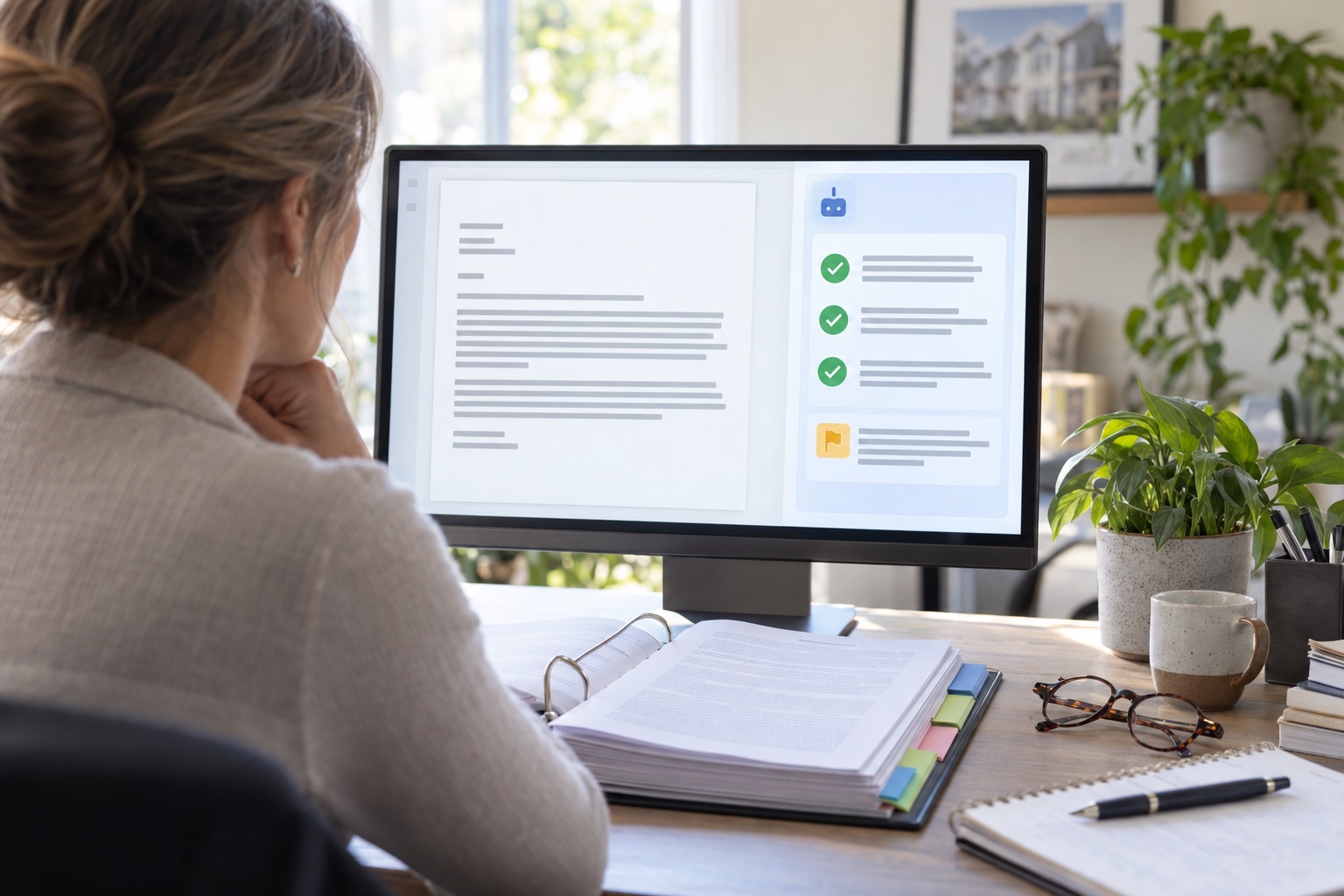
We sit next to each person and ask them to walk us through yesterday. The email, the reports, the data entry, the same reply written for the tenth time. Then we set AI up to take the first pass, and we stay until it works.
Safe for regulated firms.
Public information
Published reports, market data, your own website. Fine in any approved tool.
Internal information
Procedures, internal reports, work orders. Only inside the tools your firm has approved.
Client and deal secrets
Never in a prompt unless your compliance team has signed off on that exact use.
Your files stay on your systems. We work on your equipment under your policies and do not copy client, resident or account data onto our own devices.
What people build.
Maintenance request sorting
Every request read, tagged by urgency and trade, routed, with a reply drafted.
Work order follow-up
A daily list of jobs closed without confirmation, with the follow-ups already written.
Notices checked against current rules
Letters and notices checked before they go out, updated once when the law changes.
Monthly owner reports
The first draft of every building summary, written from your system export.
A guide for new hires
Your procedures turned into something a new coordinator can ask questions of.
Lease and document summaries
The key terms pulled out of long documents in a consistent format.
A refresher every quarter.
The tools your team learns this month will work differently in three months. Our own course for individual investors has been almost completely rebuilt since January.
So after the first program we offer a quarterly refresher: what is new, what changed, and the next level for each person. It is optional. A one-time program still gets the day 30 visit.
Common questions.
- How many people can take part?
- A group session works best with up to about 25 people. Larger teams are split into groups, and the one-on-ones scale with headcount.
- Can it be done remotely?
- The group sessions can run online. The one-on-ones work best in person, and that is how we prefer to do them.
- Which AI tools do you teach?
- Whatever your firm has approved. Many finance firms only allow Microsoft Copilot, and that is fine. We also teach Claude, ChatGPT and Codex where they are allowed.
- What does it cost?
- A fixed price, quoted in writing after one call. It depends on the number of people and days. No surprises.
- We are not ready for a full program.
- Start with half a day. We sit with five or six people and write up the three things worth automating first. You keep the report either way.
- What do you need from us?
- A room with a screen, a laptop for each person, someone from IT for installs, a list of attendees, and 30 to 60 minutes per person for the one-on-ones. We handle the planning and materials.
- Who teaches?
- Robert Grzesik, our founder, designs every program and runs the first session himself.
Let's plan your program.
Thirty minutes. Tell us how many people, what they do all day, and what you want different in 90 days. If we are not the right fit, we will say so.
Book A Call